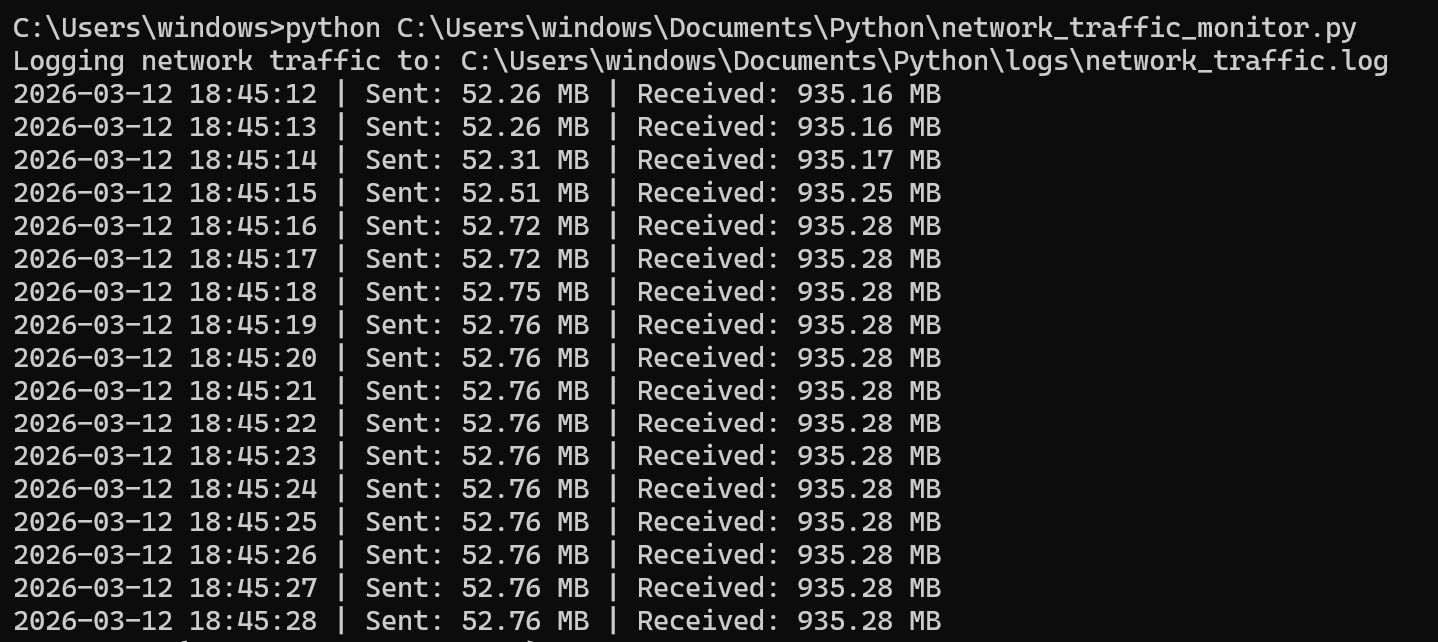
Output from CMD:
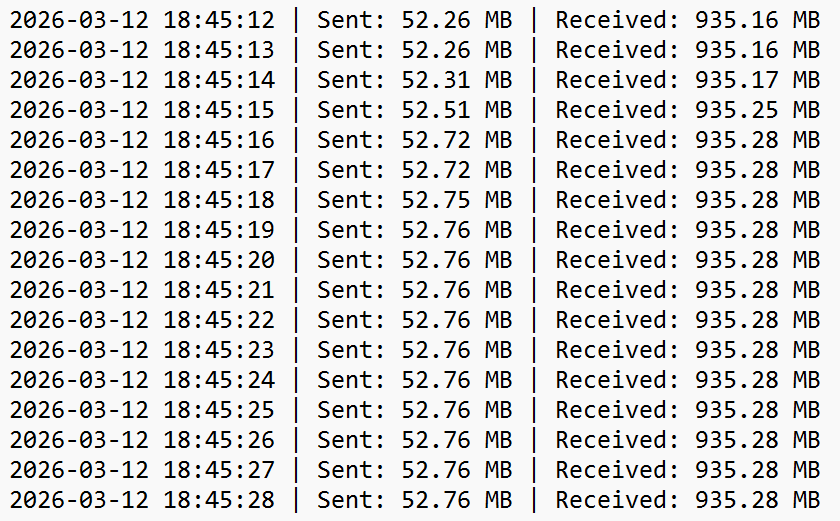
Logged file in Notepad:
A Network Traffic Logger is a script used by cybersecurity professionals to monitor and record network activity. It tracks how much data is sent and received through a network interface and logs this information for analysis.
The script runs continuously and records the timestamp, the number of bytes sent, and the number of bytes received. This information is stored in a text-based log file, creating a historical record of network activity.
Network traffic monitoring is the process of observing and analysing data moving across a network. It helps security and network professionals understand how systems communicate and how much traffic flows between devices.
Even simple scripts like this demonstrate the core principle behind professional monitoring tools: collecting network statistics and analysing them to understand network behaviour.
Monitoring network traffic helps security professionals identify patterns, detect unusual behaviour, and investigate potential threats or performance issues.
Abnormal traffic spikes may indicate malware communication, data exfiltration, or unauthorised access attempts.
The script is divided into two main sections:
# Network Traffic Monitoring Script
import psutil
import time
import os

def monitor_network(log_file="C:\\Users\\windows\\Documents\\Python\\logs\\network_log.txt", interval=1):
    """
    Continuously monitor network traffic and log it to a file.

    Args:
        log_file (str): Path to the log file.
        interval (int): Time in seconds between each log entry.
    """
    # Ensure the log file folder exists
    os.makedirs(os.path.dirname(log_file), exist_ok=True)
    if not os.path.exists(log_file):
        with open(log_file, 'w') as f:
            f.write("Timestamp | Bytes Sent | Bytes Received\n")

    while True:
        # Retrieve network I/O stats
        net = psutil.net_io_counters()
        timestamp = time.strftime("%Y-%m-%d %H:%M:%S")
        log_entry = f"{timestamp} | Sent: {net.bytes_sent} bytes | Received: {net.bytes_recv} bytes\n"

        # Append log entry
        with open(log_file, "a") as log:
            log.write(log_entry)

        # Wait before next cycle
        time.sleep(interval)

if __name__ == "__main__":
    monitor_network()
The script runs continuously using a loop. During each cycle, net_io_counters() from psutil returns the number of bytes sent and received. time.strftime() records the timestamp.
The log file is written in append mode, and a one-second delay ensures the log is readable and does not grow too quickly.
Output from CMD:
Logged file in Notepad:
In a Network Operations Centre (NOC), monitoring is done on routers, switches, and servers using SNMP, NetFlow, or telemetry. While this script monitors one local machine, the underlying concept—collecting and analysing network traffic over time—is the same.