Lambda Test Result (Succeeded)
.png)
Example: successful Lambda test showing Status: Succeeded and the function response.
AWS Lambda • CloudWatch Logs • Serverless Basics
Project Type: Serverless Lab
Services Used: AWS Lambda, CloudWatch Logs
Objective: Create a Lambda function, run it, and view logs
This project is a simple introduction to AWS Lambda. A small Python function was created and ran using a test event from the AWS console.
The goal was to understand three key things:
Even though the function is small, it follows the same pattern used in real applications: something triggers the function, the code runs, and AWS records what happened.
This project uses a very simple serverless setup. A test event is sent from the AWS console to Lambda. Lambda runs the Python function, returns a response, and CloudWatch Logs records the execution details.
User (Test Event in AWS Console)
        ↓
AWS Lambda (Python Function)
        ↓
Response Returned to Console
        ↓
CloudWatch Logs (Execution Logs)
The Lambda function was created in the AWS console using Python 3.11. The function name used for this lab was KickstartHelloLambda.
The code was added in the inline editor and then deployed.
import json

def lambda_handler(event, context):
    return {
        "statusCode": 200,
        "headers": {"Content-Type": "application/json"},
        "body": json.dumps({
            "message": "Hello from Lambda",
            "requestId": context.aws_request_id
        })
    }
This function returns a simple JSON response showing a message and the AWS request ID for that run.
The test event used was:
{}
This is an empty request. It was passed into the function as the event. Since the function didn’t need any input, this was enough to run it.
When the function runs, AWS effectively calls:
lambda_handler({}, context)
The function then returns a response back to the console.
The function was run using a synchronous invocation, which means the result is returned immediately in the console.
If it was asynchronous, AWS would run the function in the background and you would not see the result straight away.
The result showed the function ran successfully with a 200 status code. This means everything worked correctly.
CloudWatch Logs stores what happens when your Lambda runs.
You can access logs from:
/aws/lambda/KickstartHelloLambda
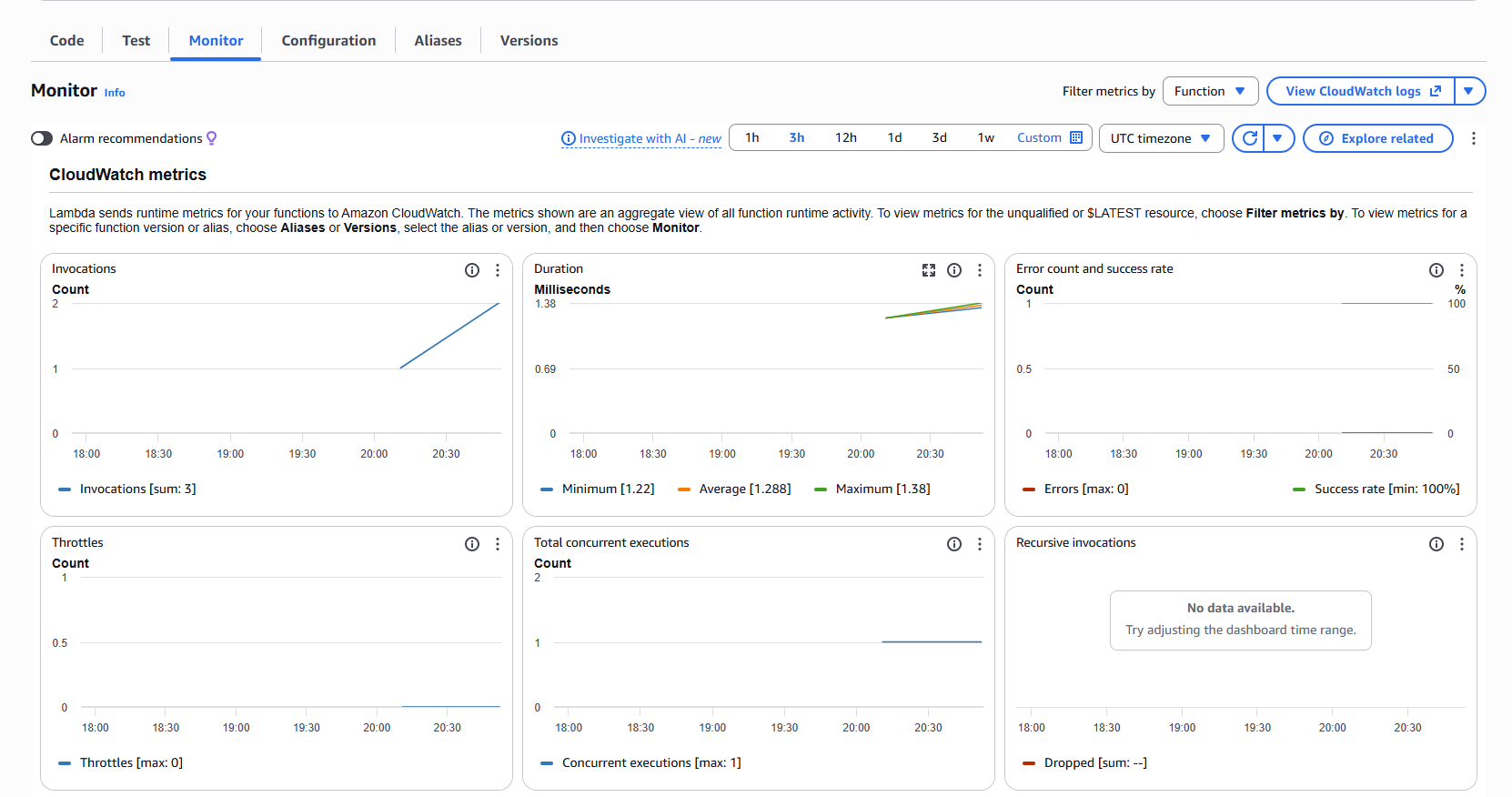
The logs show when the function started, ended, and how long it took to run.
This is useful for checking if your function worked and for debugging if something goes wrong.